Tutorial/Multi-Select Mode
Last updated 2025-12-26
Main article: Serenitea Pot
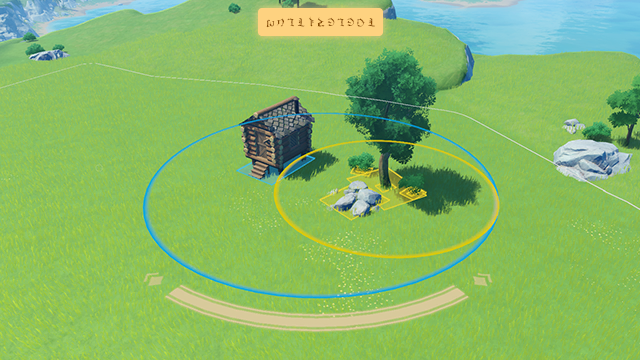
(Mouse & Keyboard) Switch to Multi-Select Mode to select multiple furnishings at the same time.

Hold and drag from anywhere to activate and select all furnishings in the area.

Select multiple furnishings in Multi-Select Mode to move, store, rotate, and create custom sets in bulk.
(Mobile) Switch to Multi-Select Mode to select multiple furnishings at the same time.

Hold and drag from anywhere to activate and select all furnishings in the area.
Select multiple furnishings in Multi-Select Mode to move, store, rotate, and create custom sets in bulk.
(Controller) Switch to Multi-Select Mode to select multiple furnishings at the same time.

Use the controller's shortcut key to activate and select all furnishings in the area.

Select multiple furnishings in Multi-Select Mode to move, store, rotate, and create custom sets in bulk.