Repertoire of Myriad Melodies/Gallery
Last updated 2025-12-09
Gallery

Event Menu

New permanent gameplay! Embark on a musical journey across Teyvat~


Gadget and Score Exchange

Music Albums and Scores

Hall of Creation and Popular Recommendations
"Repertoire of Myriad Melodies" begins a new chapter! Are you ready~


New Album "Natlan: Land of Tleyaoyotl", Serenitea Pot

Score Themes: "Fire and War" and "Ode to Azure Skies"
Tutorials
- Repertoire of Myriad Melodies
 The "Repertoire of Myriad Melodies" can be used to play songs from all over Teyvat, including songs related to the companions you've met on your journey. You can also edit existing scores for songs and share them with other players, who can then play them.
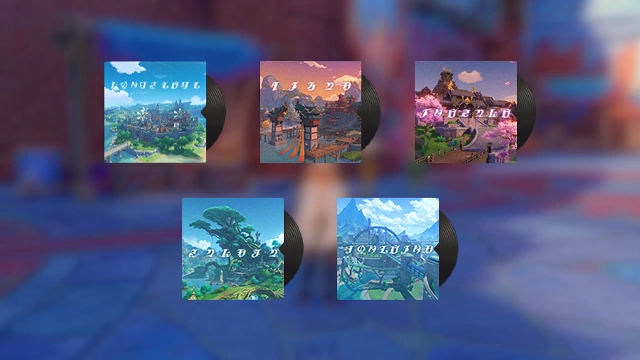
 The "Repertoire of Myriad Melodies" albums have specific themes and contain songs related to said themes or to characters. The albums will be updated periodically.
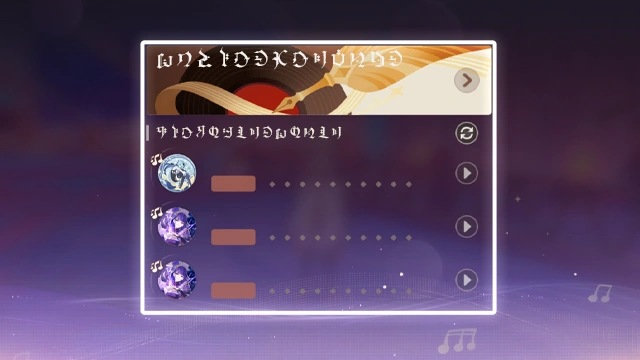
 You can use the recommendations on the main menu of "Repertoire of Myriad Melodies" to quickly play scores that have recently received high ratings from other players.
Use the Score Exchange function to create scores of your own and try ones created by other players.

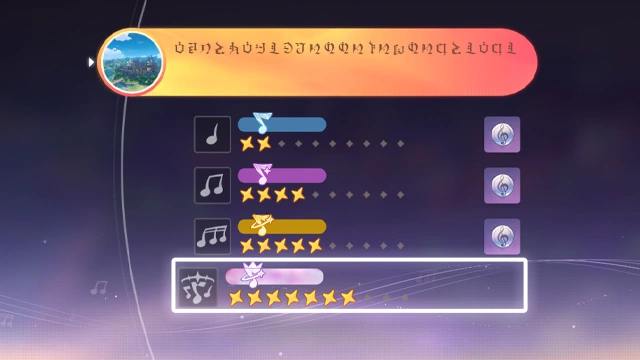
- Song Rewards
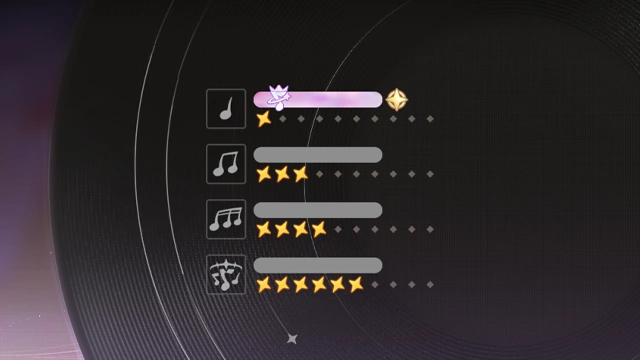
 Play scores at different difficulties to obtain the corresponding rewards. Completing the performance at a higher difficulty will immediately earn you the lower-difficulty rewards.
- Performance Tutorial
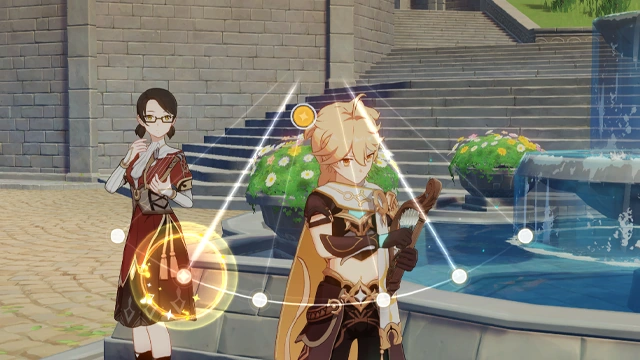
 During the performance, different notes will appear on the screen. When a note falls on the Decision Line, strike the Decision Line to score points. The amount of points scored will vary depending on the timing of your stroke.
 A long note is represented by a long strip of light. Hold the button to play the note, then release after the light strip disappears to score points.

- Co-Op Ensemble
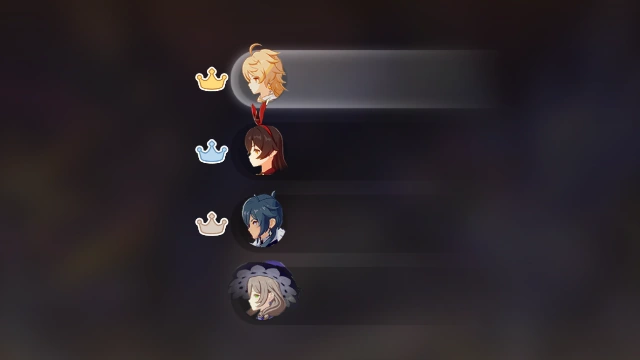
 You can initiate Co-Op performances on the Score Selection Page.
In Co-Op performances, all participants perform individually and compete to gain the highest rating.In Co-Op performances, the initiator can select special options to increase or decrease the score's difficulty or create special challenges.
Certain special options will not take effect in Co-Op performances
- Specialization Effect
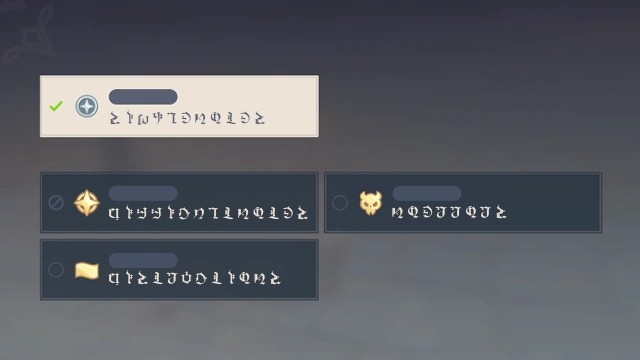
 Before performing a score, you can choose from various "Specializations" to enrich your performance experience, such as increasing or lowering the difficulty, or taking on additional challenges.
 "Specialization" effects can be applied to scores from official albums as well as pieces created by other performers.
Successfully performing a score with difficulty-enhancing Specialization effects will earn you the corresponding medal.