Mechatron Imagenesis Guide
Last updated 2026-04-04
Mechatron Imagenesis Guide is a readable found on Planarcadia.
Location


Mechatron Imagenesis Guide
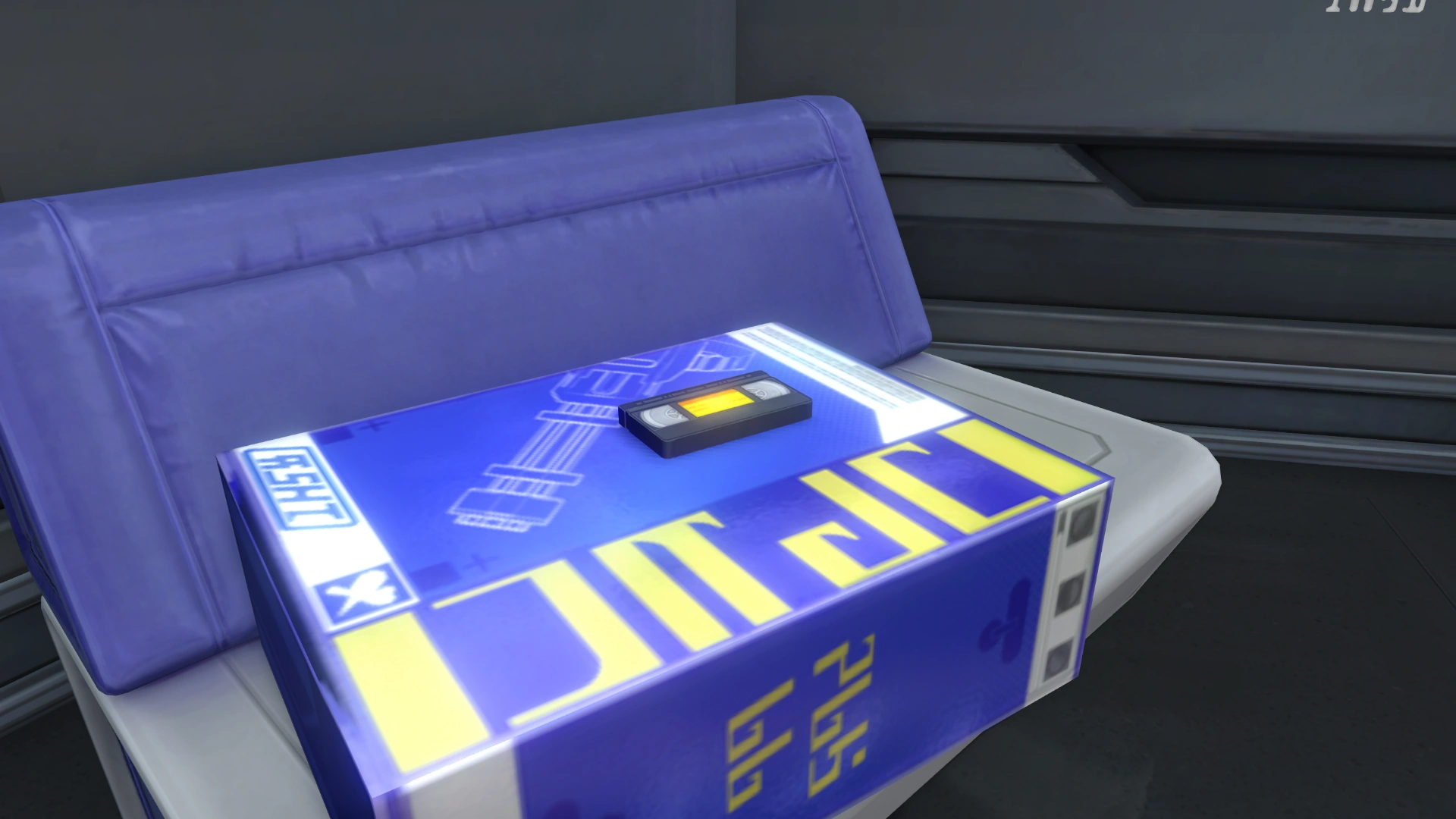
Mechatron Imagenesis Guide


Text
This manual serves as the operating guide for the "Professional Mechatron Auto Customization Device," compiled with the assistance of imagenesis technology specialists.
I. Operational Workflow
Verify that all 15 imagenesis qualification certificates issued by the Department of Aberration Defense are present and that the engineering log recorder is active.
Confirm that the Wishpower interface is functioning and that the Wishpower pool level is above the indicator line.
Ensure all device indicator lights are in a normal state.
Adjust each scale based on your design intentions according to the specifications in Section (II).
Press the most prominent red button and wait for the assembly blueprints to be finalized.
II. Customization Parameters
① Frame Configuration
※ Due to considerations regarding the center of gravity, mobility, and assembly difficulty, general staff and visitors are currently restricted from manually drawing frame designs. Please utilize the 2D indicator to adjust the general silhouette based on provided presets.
The horizontal axis represents the ratio between curves and angles: moving left results in a smoother finish, while moving right makes it sharper.
The vertical axis represents scale: any size exceeding the horizontal threshold will result in a display-only mechatron, which will lack intelligence.
You may input subjective keywords via an external keyboard for further fine-tuning, such as:
"Cool and aggressive"
"Unbelievably ugly"
"Can transform into an animal"
"Blue and twice as fast"
And so on.
② Coloration
Given the mechatron's modular nature, we recommend adjusting the color of the core unit (typically the head) only. The remaining sections will automatically synchronize.
The system utilizes the RGB color model.
Additionally, if you wish for the unit to reflect only non-visible light (standard optical camouflage), please set the color code to "257, 257, 257".
You can also fine-tune the palette using keywords, such as:
"Luminescent black"
"Pitch dark pure white"
And the like.
③ Core (Facial) Design
A single slider, defaulting to the far-right (reset) position, represents the humanoid template.
※ This features the classic design: dual eye indicators, a mouth for vocalization, and decorative exhaust vents at the junction.
Moving the slider to the left will uncontrollably diminish biological recognizability. Sliding it to the far left will result in only a single eye indicator.
④ Functional Features
We recommend using occupation-based templates as a foundation for further fine-tuning.
Available options include: Jump, Accelerated Movement, Hover/Flight, Color Shifting, Optical Camouflage, Taste, Smell, Organic Matter Decomposition, Bionic Skin (not applicable to industrial models), Hand Blade, Drill Bit, Thermometer, Thermal Imager, Built-in Multi-tool, and more.
Should an emergency occur, please refer to Section XIII of this manual...
Other Languages
| Language | Official Name |
|---|---|
| English | Mechatron Imagenesis Guide |
| Chinese (Simplified) | 机铠幻造指南 |
| Chinese (Traditional) | 機鎧幻造指南 |
| Japanese | メカヨロイ幻造ガイド |
| Korean | 메카아머 환조 가이드 |
| Spanish | Guía de fabulación de mecatrones |
| French | Guide d'imagénèse des Mécanoïdes |
| Russian | Руководство по фантазмоделию мехатронов |
| Thai | คู่มือจินตรังสรรค์เมคคาทรอน |
| Vietnamese | Hướng Dẫn Huyễn Tạo Giáp Máy |
| German | Handbuch zur Mechatron-Imagenasis |
| Indonesian | Panduan Imagenesis Mechatron |
| Portuguese | Guia de Imagênese de Mechatrons |